 Beam
Beam Start here
Search and the launcher
How Beam finds and ranks things, and every key the launcher understands.
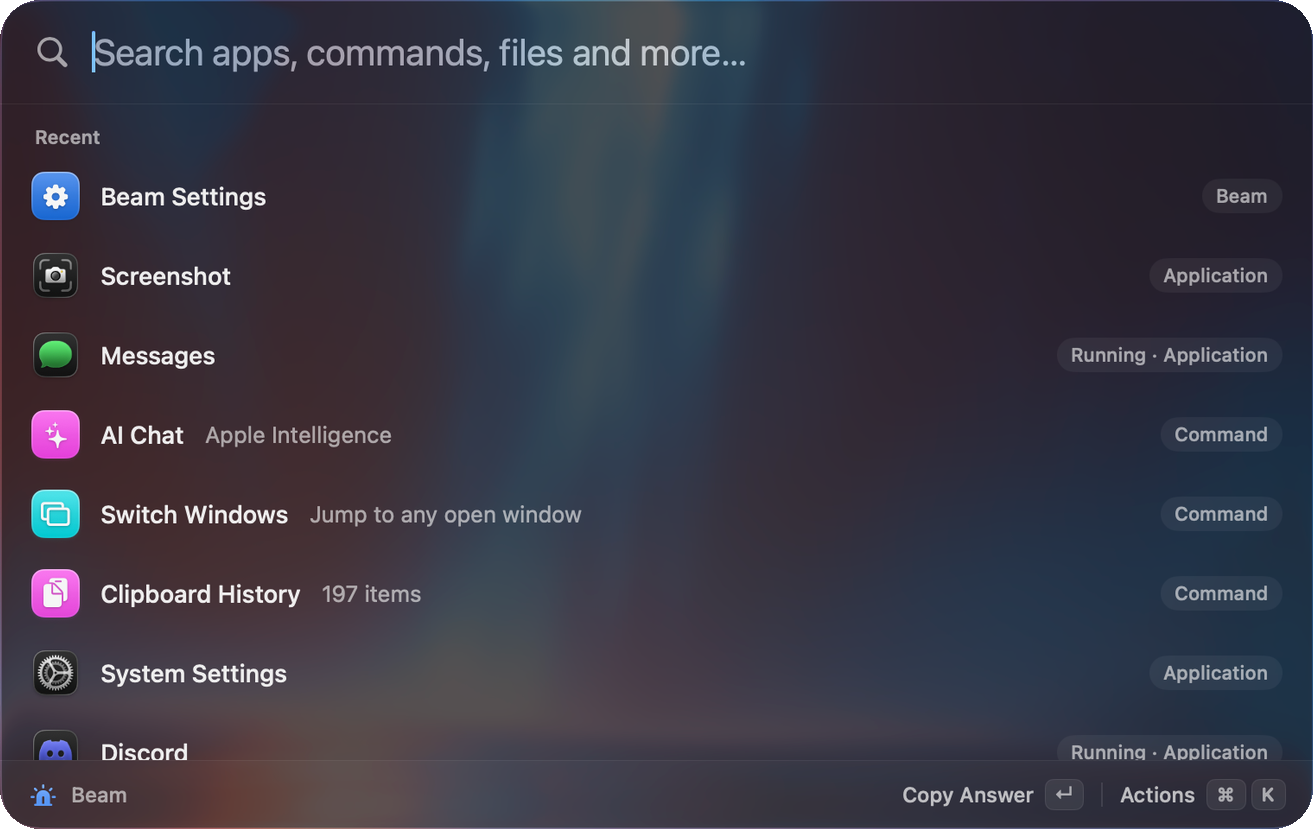
What the search box covers
One box searches apps, contacts, files, notes, snippets, clipboard entries, commands, scripts, windows, calendar events, System Settings panes and system commands. It also answers questions directly: sums, conversions, definitions, colours, timers and emoji.
How results are ranked
Beam scores each match, then adds what it has learned about you.
- Match quality. Exact match scores highest, then prefix, then initials (
vscfinds Visual Studio Code), then word prefix, substring and finally a loose subsequence match. - Frecency. Items you use often and recently rise. The weight halves every 14 days.
- Learned choices. If you always pick the same result for a query, Beam remembers it for that query.
If ranking drifts, run Reset Beam Search Ranking from the launcher.
Keys
| Key | What it does |
|---|---|
| ↑↓ | Move through results. ⌃N and ⌃P do the same. |
| ↵ | Run the selected result. |
| ⌘↵ | Run its second action. |
| ⌘K | Show every action for the selected result: Copy, Reveal in Finder, and so on. |
| Tab | Ask AI about what you typed. Works from the root screen when the search box has text and AI is on. |
| Esc | Goes back one step at a time. It closes the action list, then denies a pending AI approval, then leaves a sub-screen, then clears the search, then closes Beam. |
| ⌘, | Open Settings. |
| ⌘W | Close Beam. |
| ←→ | Move across the emoji grid. |
Actions
Press ⌘K on any result. The list depends on the result. For an app it offers Open, Show in Finder and Copy Path, plus Quit and Force Quit when the app is running. For a file it adds Copy File and Open in Terminal. Each feature page lists its own.
Pick up where you left off
If you close Beam and reopen it within 10 minutes, it restores your last query. Turn this off in Settings → General. Reset window position in the same tab puts the launcher back where it started. You can also drag the panel. It snaps near screen edges.
Search prefixes and special queries
| Type | Result |
|---|---|
f report | File search. The f prefix can be changed in Settings → General. |
recent, recents, recent files, recent documents | Your 10 most recent files. |
downloads | Your 12 newest downloads. |
note buy milk | Saves a note. |
timer 10m tea | Starts a timer. |
define serendipity | Dictionary definition. |
:smile | Emoji search inline. |
#ff8800 | Colour conversions. |
15% tip on 42 | Calculator. |
3pm london in sydney | Time zone conversion. |
Try it
Type the initials of an app you use, such as vsc, and open it with ↵. After a few times it comes first for that search.