 Beam
Beam Capture and type
Clipboard history
Everything you copied, searchable, pinned if you want, pasted into the right app.
Open it
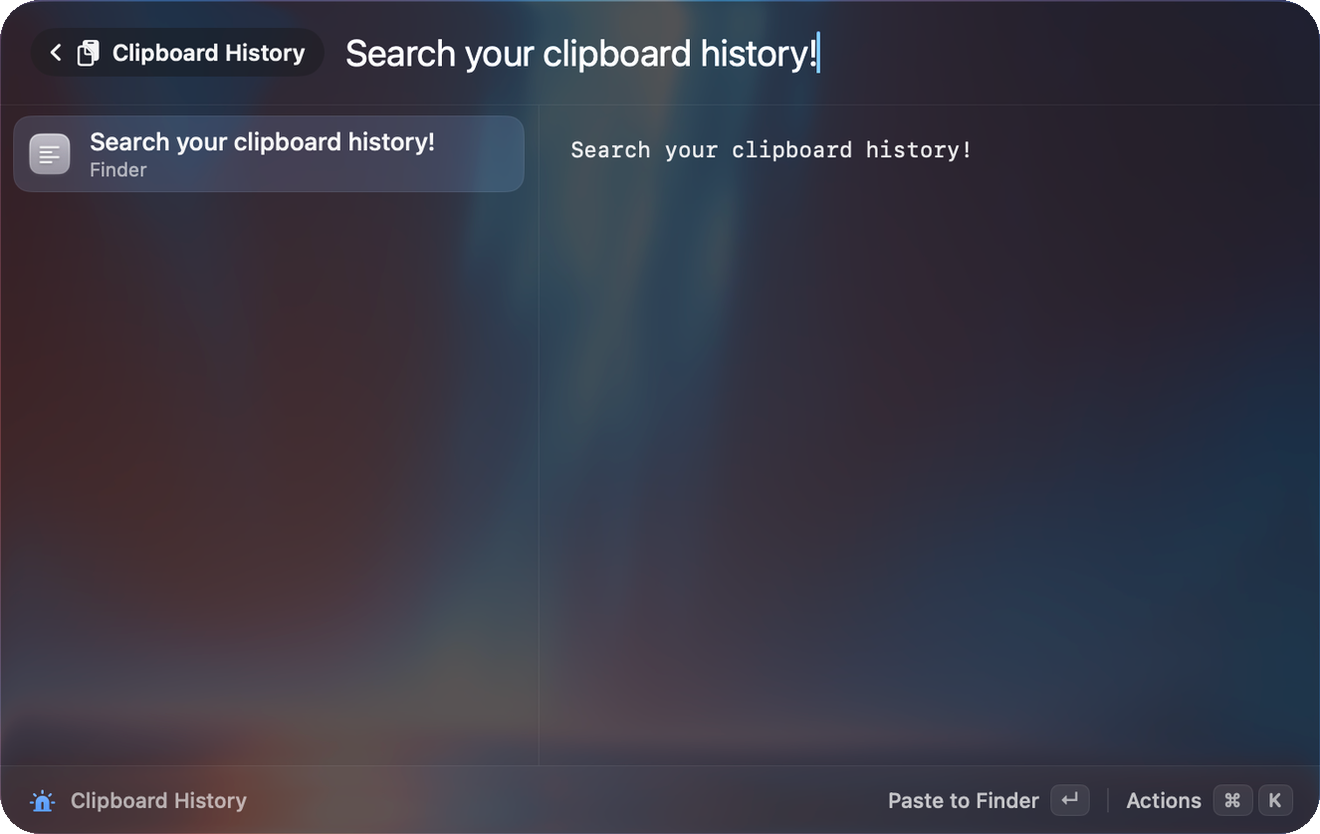
Press ⌥⇧⌘V, or search clipboard. The deep link beam://clipboard opens it too.
What Beam captures
- Text (blank text is skipped).
- Files.
- Images, as PNG up to 15 MB.
Beam checks the pasteboard twice a second. It skips items that apps mark as concealed, transient or auto-generated, and items from 1Password or TypeIt4Me, so password manager copies are not stored.
Search and act
Search matches the text, the file path and the source app. Actions:
| Action | Notes |
|---|---|
| Paste to <app> | Pastes into the app you were in. |
| Copy to Clipboard | |
| Pin / Unpin | Pinned items are never pruned. |
| Delete Entry | |
| Clear Unpinned History | |
| Open in Browser | For text that is a URL. |
↵ pastes into the app you were using. Press ⌘K on an item to pin or delete it.
Settings → Clipboard
| Setting | Options |
|---|---|
| Record clipboard history | On by default. Text, images, links and files. |
| Keep items for | 1 day, 7 days, 30 days (default), 90 days, 1 year |
| Maximum items | 50 to 5000 in steps of 50. Default 500. |
| Clear Unpinned | Removes everything except pinned items. |
| Clear All | Removes everything including pinned items. |
Items copied from password managers (marked concealed or transient) are never saved. Pinned items are exempt from pruning.
Where it is stored
History lives in a local SQLite file at ~/Library/Application Support/Beam/beam.sqlite. The code does not encrypt it. It never leaves your Mac.
Try it
Copy something, then press ⌥⇧⌘V. Pin it with ⌘K.